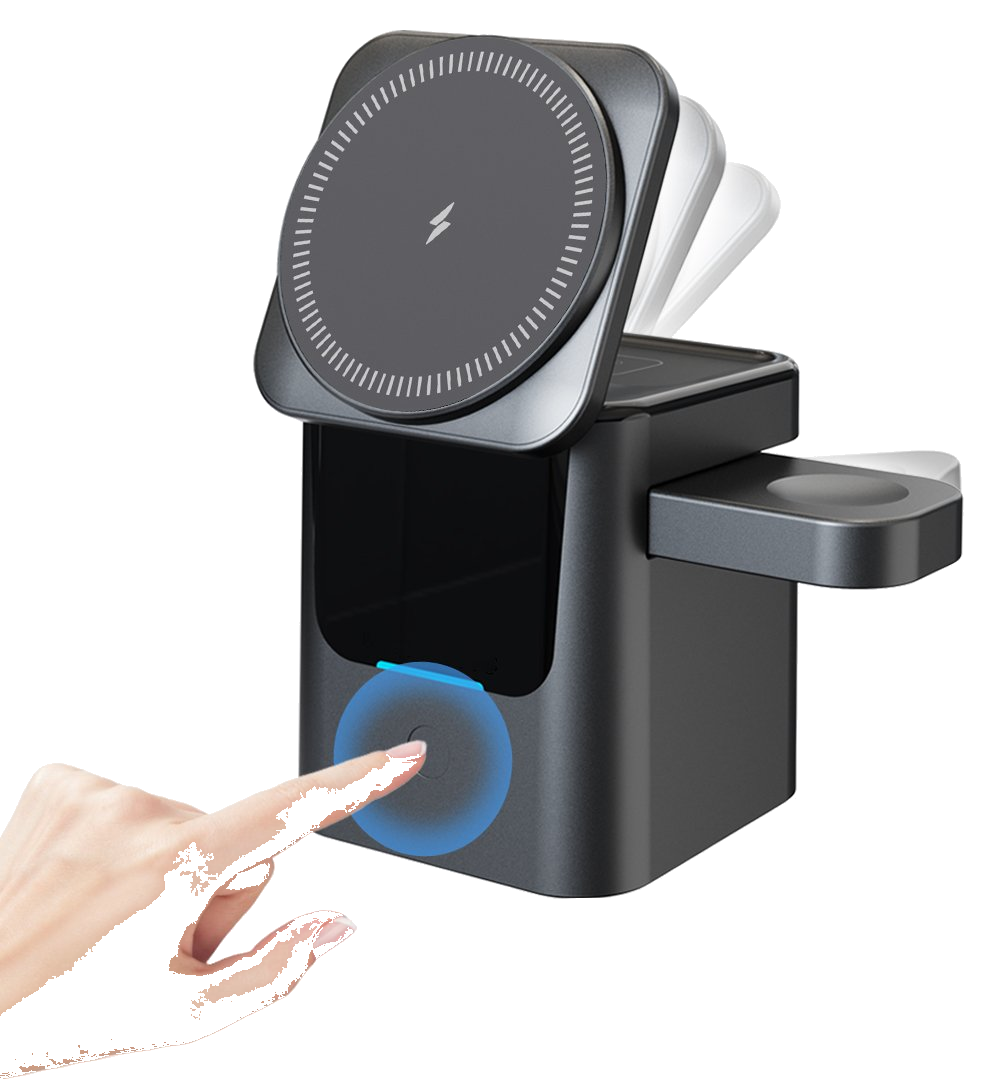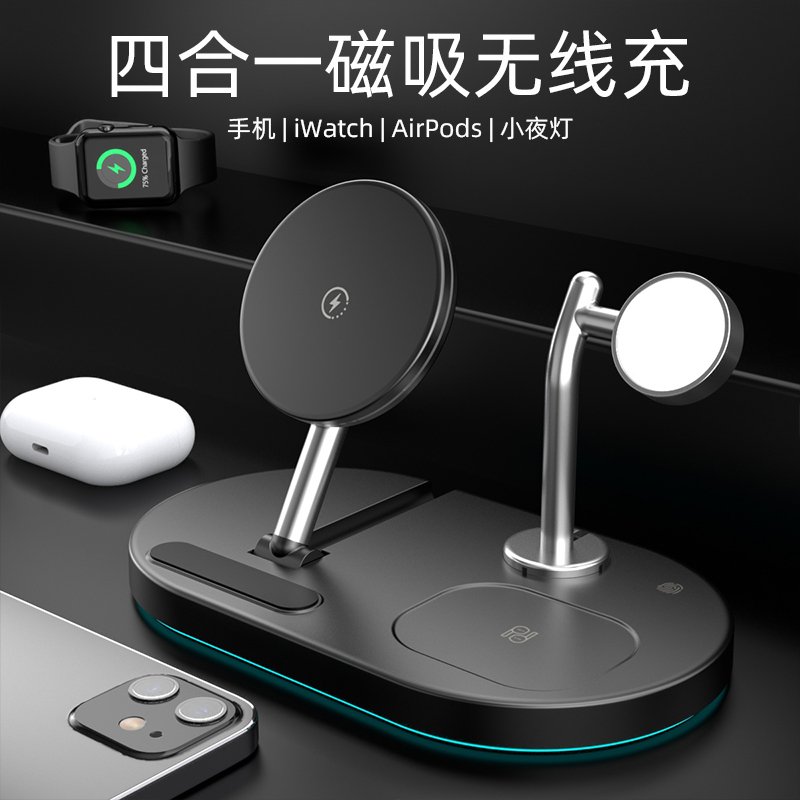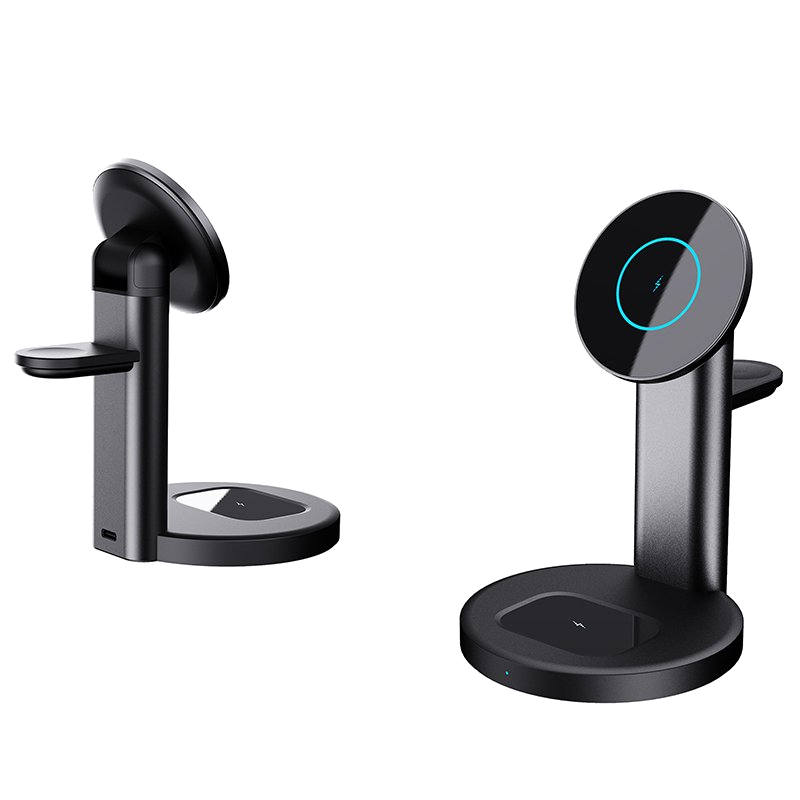
Put your phone on a charging pad and the Bluetooth earbuds nearby stutter for a second, or the Wi-Fi icon flickers — most people's first thought is: is this wireless charger jamming my signal? I had the same worry, especially once my desk got crowded. Here's the bottom line up front: wireless charging uses a 100–205 kHz extremely low-frequency magnetic field, which is not even on the same band as Wi-Fi or Bluetooth at 2.4 GHz and 5 GHz, so it cannot simply take over your phone's signal.
This band allocation isn't arbitrary. China's provisional regulation on radio management for wireless power transmission equipment requires portable wireless chargers to operate only in the 100–148.5 kHz, 6765–6795 kHz, and 13553–13567 kHz ranges, with rated power under 80 W. In plain terms, a compliant charger's frequency sits more than a hundred times below everyday wireless signals — there's no overlap to fight over.
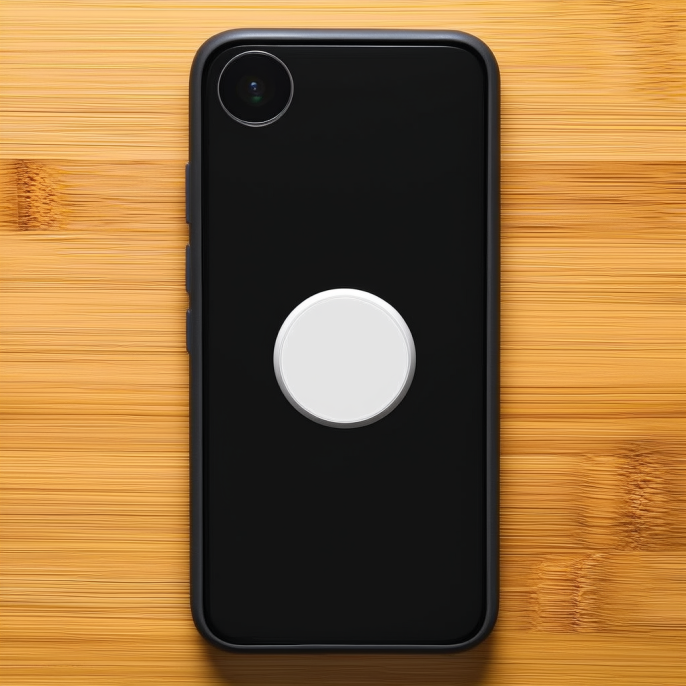
So why do people online still report interference? The key is to separate two things: what disrupts you isn't the energy-transfer field, but the noise from the switching power supply inside the pad. Murata's technical white paper measured this directly: an un-suppressed wireless charger's radiated emissions in the 30–100 MHz band exceed the CISPR 22 Class B limit, and it can suppress a phone's receiver sensitivity by up to 14 dB across 700–960 MHz. In other words, it's the charger's internal circuit noise and harmonics that misbehave, not the power transfer itself.
The ones that cause trouble are mostly cheap, poorly shielded no-name pads. A badly shielded charger lets switching-noise harmonics climb all the way into the GHz range, landing right on the 2.4 GHz band used by Bluetooth mice, keyboards, and earbuds, and slowing Wi-Fi when parked too close to a router. A proper charger with Qi/Qi2 certification and CCC, FCC, or CE marks has to keep its radiated emissions under those national limits before it ships, so at a normal distance it generally stays quiet.
I ran into this myself once. For a while I'd jammed a cheap pad right under my wireless mouse mat; the Bluetooth mouse dropped its connection every few minutes and the earbuds picked up a faint buzz. Moving the pad more than 30 cm away from the desk gear made both problems vanish. It's not magic — the magnetic field induces noise currents in nearby conductors (the mouse's PCB traces, the shielding of data cables), drowning out the receiver's weak signal. The mechanism is well understood.
So avoiding the trap is actually simple. When buying, look for Qi or Qi2 certification plus marks like CCC, FCC, or CE, and skip the pads whose maker you can't even identify. When placing, keep 30–45 cm (roughly 12–18 inches) between the charger and your router, Bluetooth speaker, or wireless dongles — distance does more than any shielding cloth.
Cable routing on the desk matters too: keep the charger's power cable crossing — not running parallel to — high-frequency data cables (dongle extensions, audio leads), or noise current will couple straight along them. If you truly can't separate them, slip a grounded aluminum or steel sheet between the charger and the sensitive gear; it acts like a makeshift Faraday cage and attenuates part of the field. Magnetic shielding isn't as complete as blocking radio waves, but it helps.
To wrap up: a compliant wireless charger does not interfere with your phone signal, Wi-Fi, or Bluetooth — the real things to guard against are switching noise from cheap pads and placing them too close. Get those three habits right — certified gear, enough distance, separated cabling — and your desk keeps both the convenience of drop-and-charge and a clean, glitch-free environment for everything else. Set the phone down and charge in peace; the nearby devices stay steady too.
This article is originally published by Shanwu. Please credit the source when reposting.
Copyright © 2026 Shanwu. All Rights Reserved.