Picture this: your earbuds died right before you leave, a friend's phone is about to shut down, and no power bank in sight. The phone in your pocket might be the rescue. Many flagships hide a reverse wireless charging trick: flip the phone over and it becomes a temporary wireless power bank for earbuds, watches, even another phone. But output varies wildly, and using it wrong just creates headaches. I dug through my own devices and public test data to lay it out.
Q: What exactly is reverse wireless charging, and is it the same as a magnetic charger or a power bank?
A: In plain terms, it turns your phone's back into a transmitter that tops up another device by electromagnetic induction, basically a mini wireless power bank on the fly. It is the opposite of the magnetic wireless charger you normally use: there, your phone gets charged; here, your phone does the charging. Output is far lower, mostly 4.5W to 20W, and only the new iQOO 15 Ultra at 40W feels like a real backup. Great for rescuing earbuds or a watch in a pinch, but it will not replace a magnetic wireless power bank for daily use.
Q: They all claim to charge, but how different is the actual power? Is it all a slow 5W crawl?
A: The gap is huge, not even the same tier. Tests compiled in August 2026 by Sina and others show a clear ladder: the iQOO 15 Ultra hits 40W and gives another phone about 8 percent in 10 minutes; Huawei's Mate 60 Pro and Pura 70 series hold a steady 20W, adding roughly 35 percent to AirPods Pro 2 in 15 minutes; Samsung's S26 Ultra reaches 15W; Xiaomi's 15 Ultra and 14 Pro sit around 10W. Apple is the odd one out: only the iPhone 15, 16 and 17 Pro models do 4.5W to 7.5W, and the standard versions have no transmit coil at all, so they cannot do it. Bottom line, using an iPhone to rescue another phone is a slow crawl of about half a percent per minute.
Q: In real use, how fast does it actually charge earbuds? Are those wattage numbers trustworthy?
A: The numbers hold up, but do not expect full speed. Pacific Tech's tests show Xiaomi 11 Ultra at 10W pushed about 48 percent into AirPods Pro in 30 minutes, while Huawei's Mate 40 Pro+ at 7.5W managed only about 32 percent under the same conditions. In Sina's August 2026 tests, Huawei's Mate 70 Pro at 20W added roughly 35 percent to AirPods Pro 2 in 15 minutes. Put into scenes: while you scroll a few short videos on your commute, the earbuds regain half a day's charge; a 4.5W phone needs over 20 minutes for the same. The catch: your phone burns about 1.8 times the energy it delivers, trading its own battery for someone else's.
Q: Why does it sometimes sit there doing nothing? Know these three thresholds first
A: First, the battery threshold. On Huawei, Xiaomi and most mainstream phones, reverse charging is disabled once the phone itself drops below 20 percent; Apple is stricter and needs over 30 percent before it even starts. Second, the manual switch. It is off by default, so you must open Settings, then Battery, and turn on wireless reverse charging yourself. It does not just start when you place a device on the back. Third, alignment and metal. The receiver must sit flush against the phone's center, and a metal case, a transit card, or a coin in between kills it, either slashing efficiency or stopping it entirely. Get all three right and it finally works.
Q: If I use it often, will the phone overheat or wreck its battery?
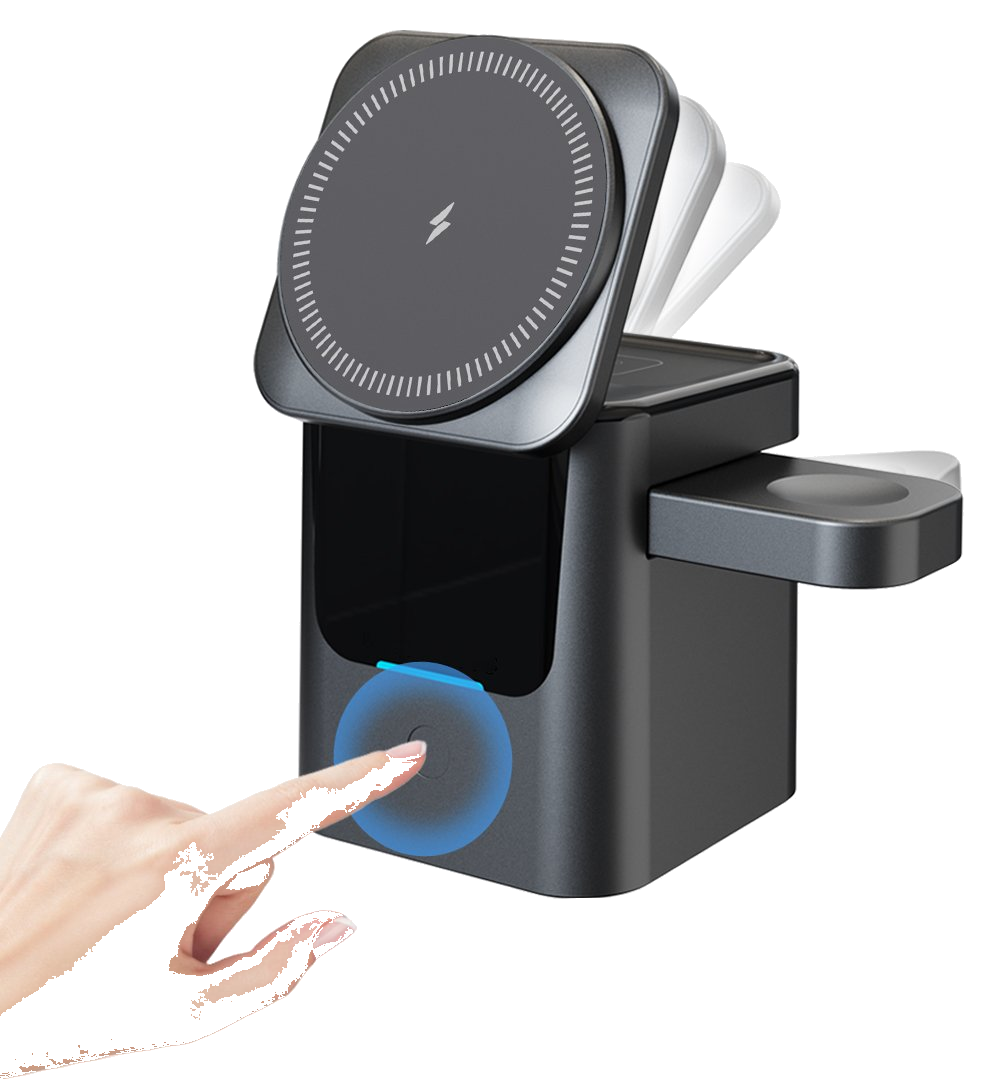
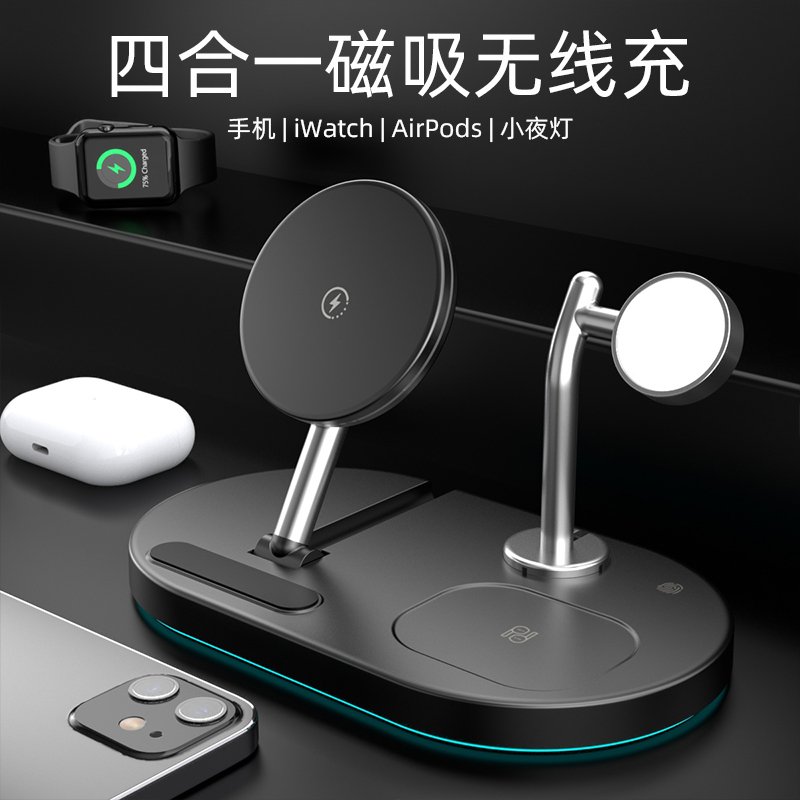
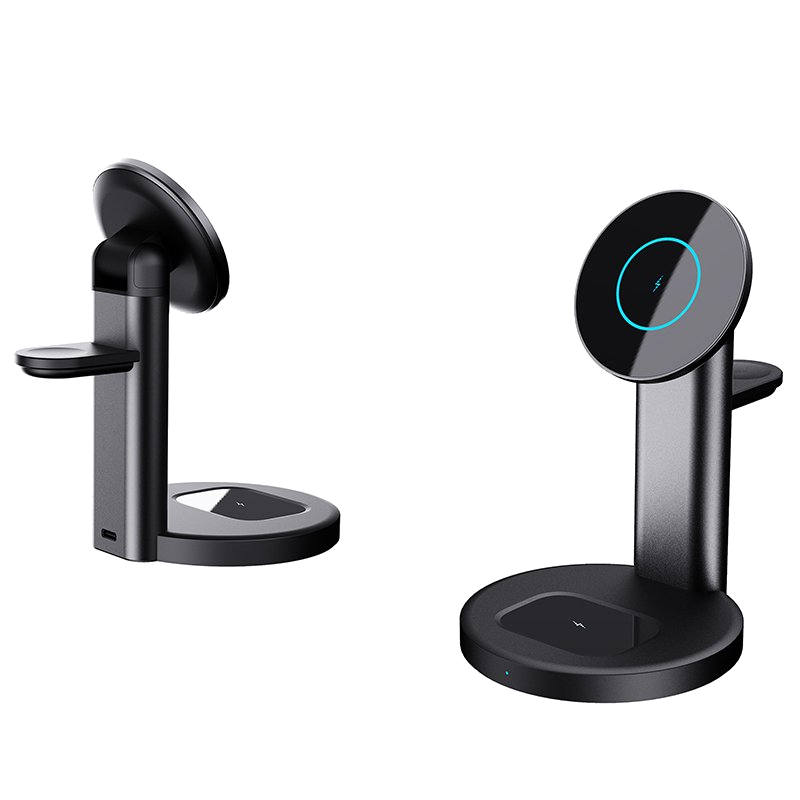
A: What hurts the battery is never the reverse charging itself, it is the heat. Data from the China Telecommunication Technology Labs shows Xiaomi phones drop to 5W or even pause once the back exceeds 38°C, and under sustained reverse charging at a 25°C room temperature the back can climb to around 42°C, triggering thermal throttling after more than 45 minutes. So do not make it your daily driver. It is for emergencies, not for powering every device in the house. For multiple devices at home or a quick drop on the desk, a proper magnetic wireless charger or a three-in-one wireless charger is the steadier choice; save the phone's reverse charging for the moments you are truly out of power.
At the end of the day, reverse wireless charging is a handy emergency bonus, not a replacement for a power bank. Huawei and iQOO deliver real power, while Apple is barely there. Before you leave, check your own battery is high enough, flip the switch on, and align it dead center, and in three minutes you can revive a pair of earbuds or a friend's phone. For daily multi-device charging, a magnetic wireless power bank or a three-in-one wireless charger is far more reliable than betting on your phone to save the day.
This article is originally published by Shanwu. Please credit the source when reposting.
Copyright © 2026 Shanwu. All Rights Reserved.