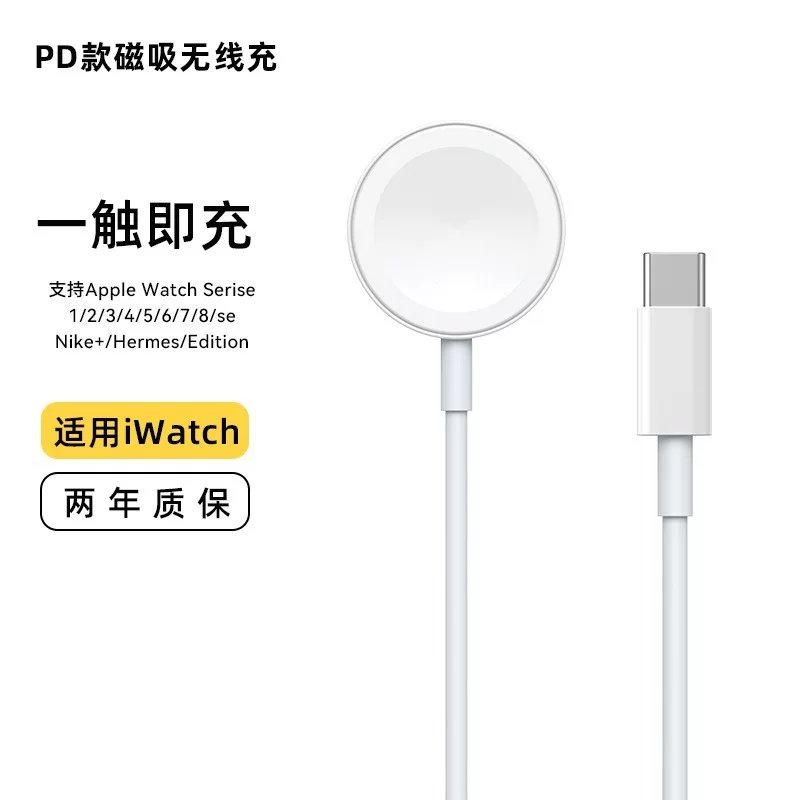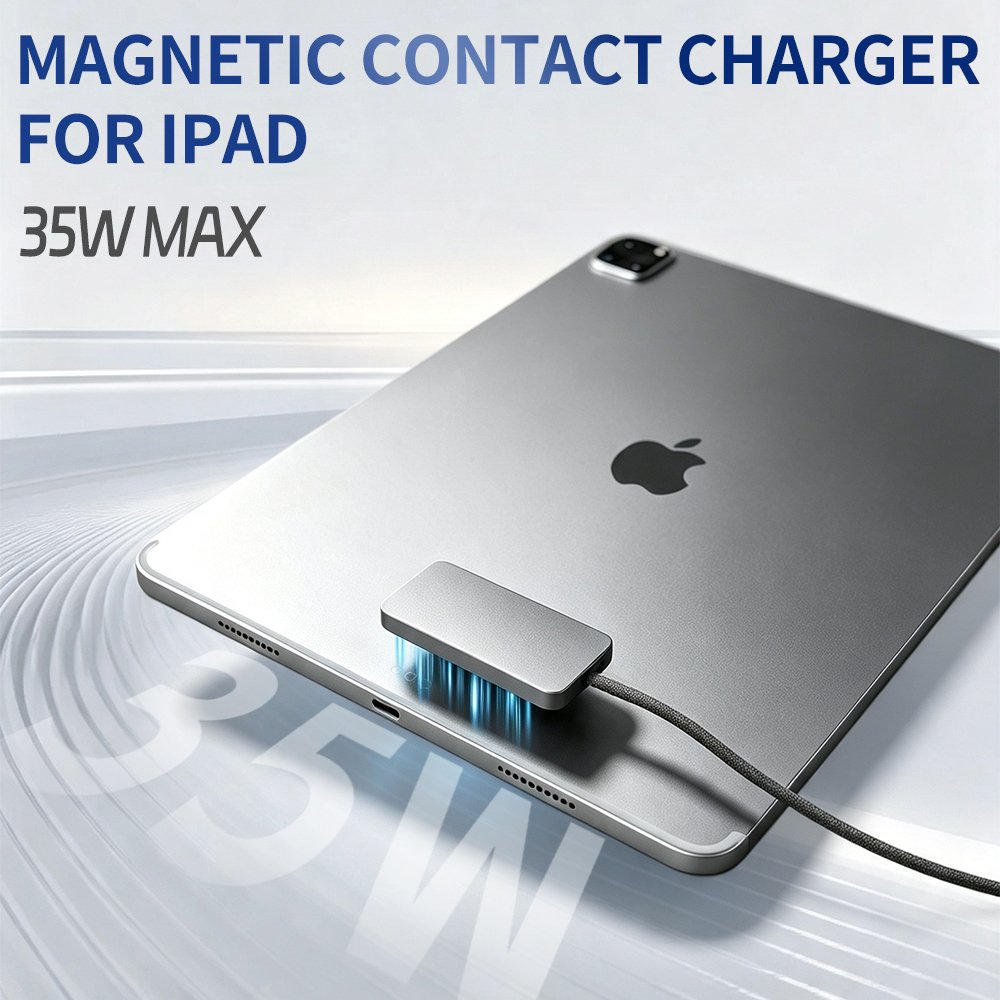
Here is the short answer so you do not have to scroll: nine out of ten wireless charging problems come down to four things — the wrong power adapter protocol, misaligned coils, a case that is too thick or has metal in it, or a temperature that has hit the protection threshold. Genuine hardware failure is rare. Over the past couple of years I have looked at dozens of setups for friends and clients, and the number that turned out to be a faulty charger I can count on one hand. So before you order a replacement, work through the checks in order. Ten minutes is usually enough.
Step one is the power supply, not the charger. A wireless charger generates nothing on its own; it only relays energy. When a phone gets no response at all, the fault is most often upstream: swap in a wall adapter and cable you know are good, and do not settle for the USB-A port on a laptop. Watch the indicator light too — no light usually means power is not arriving, while a light that keeps blinking points to unstable voltage or a loose cable. A tired power strip or a thin extension lead can do it as well; I have seen that several times, and moving to a different socket fixed it.
If a charger labelled 15W only delivers 7.5W, the handshake is usually to blame. This is the step people skip. Plenty of third-party 15W pads rely on the QC protocol and need an adapter that can supply a 9V rail. The 20W PD brick you grabbed from your iPhone box speaks a different language, so the negotiation fails, the input falls back to 5V, and the transmitter never reaches its rated output. When you pick an adapter, look past the wattage: check that it offers a 9V step and supports the protocol your pad expects, with 18W as a sensible floor. Proprietary fast charging is even more dramatic — in published tests, a vivo phone rated for 50W wireless charging managed only 7.8W on a third-party 65W PD brick, and returned to a peak near 49.6W once the original adapter was back in place.
If charging keeps dropping out and the icon flickers, look at alignment and vibration first. Induction coils are painfully sensitive to distance and offset: published bench tests show efficiency falling by more than 40% once the offset passes three to five millimetres, and a tilt beyond about fifteen degrees can stop transfer altogether. Vibration is the sneakiest cause. One notification nudges the phone half a centimetre off centre, nobody is around to notice, and in the morning the battery sits at seventy percent. Two crude fixes work well: mute vibration while charging, or move to a magnetic wireless charger that locks the position with a magnet ring. That is exactly why a magnetic pad is the only kind I recommend for a bedside table now.
Charging that stops at 80% is not a fault, it is by design. Apple's own support documentation states plainly that if the battery gets too warm, software may limit charging above 80 percent, and that charging resumes once the temperature drops. It also notes that if the phone is on a MagSafe charger and plugged in at the same time, it charges through the port rather than wirelessly. Android's adaptive charging behaves in much the same way. Older basic pads often have no thermal control component inside, so they simply cut off at the ceiling and resume after cooling down. Qi2 hardware tends to throttle instead, which is why you experience a gradual slowdown rather than a hard stop. Gaming or running navigation while charging will trigger all of this almost every time.
A light that blinks endlessly without charging usually means foreign object detection has stepped in. Every modern wireless charger runs FOD, and a coin, a key, a paper clip, an access card tucked in the case or a card wallet on the back can all be flagged. Best case the power drops sharply; worst case the pad refuses to start. The fix is simple: wipe the surface clean, take the cards out of the wallet case, and check whether an aftermarket magnet ring or metal grip has been stuck to the back. Worth adding: a trapped card is not only a charging problem. Access cards and hotel key cards really do get damaged, and Apple's documentation explicitly warns against placing credit cards, security badges, passports or car key fobs between the phone and the charger.
Is it the charger or the phone? One cross-test settles it. First, put a different phone that you know charges wirelessly on the same pad: if it still refuses, the problem sits in the pad or its power supply. Second, place your phone on a pad you know is working: if wired charging is fine but wireless is not, the receiver coil or its supporting circuitry inside the phone is the likely suspect. Only after those two steps should you decide whether to spend money. Before handing it in for repair, jot down the specifics: when it started, whether it is dead silent or intermittent, and whether heat or a flickering icon comes with it. The technician skips a round of guesswork and you skip a second trip.
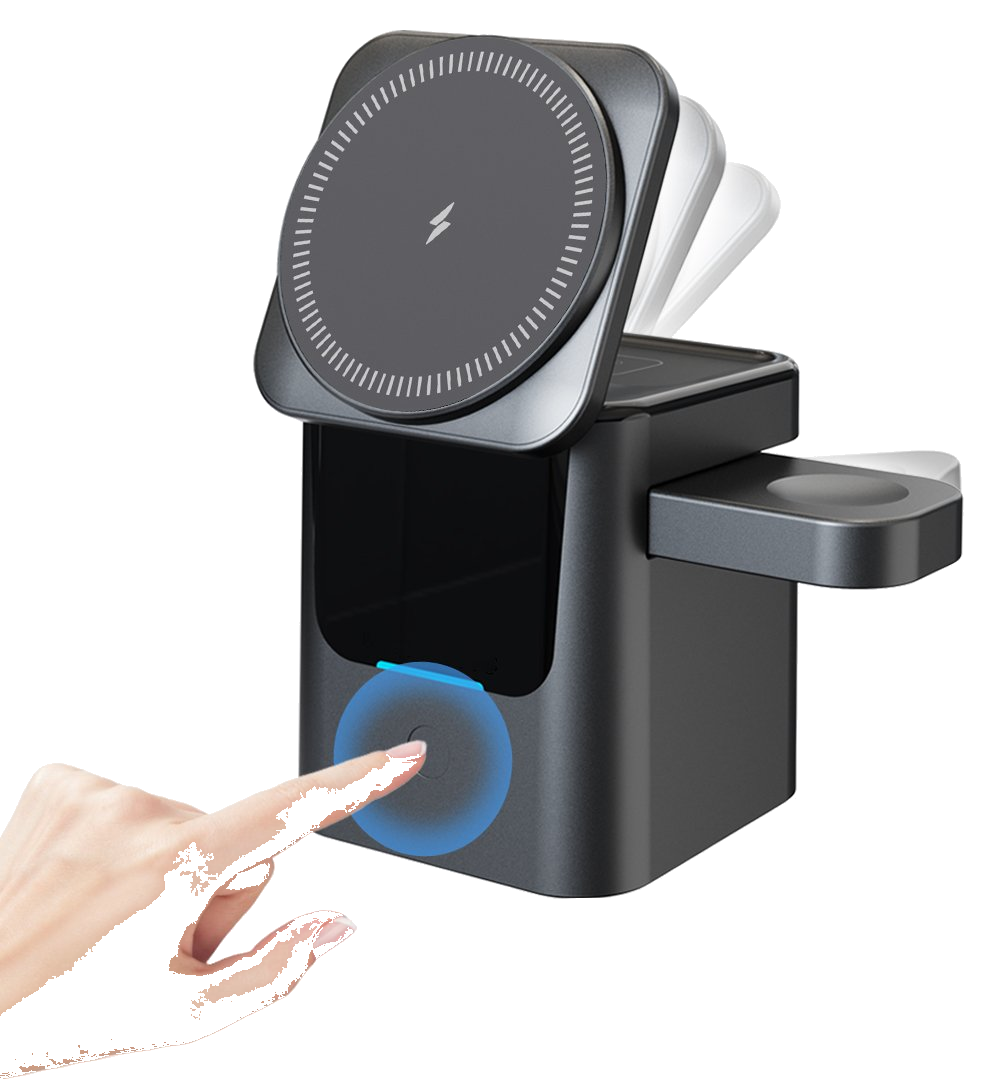
A note on deployments at scale. Charging points in cafés, hotels and office desks fail for reasons that differ from home use: the material and thickness of the tabletop, the cable runs beneath the panel, and the load on the shared power strip. Miss any of those and guests end up feeling that the charging spot sort of works and sort of does not. When we handle design and customisation for clients, three items go into the acceptance checklist — FOD must be enabled, standby power draw needs a hard ceiling, and the surface should carry a printed reminder not to leave cards on the pad. Getting those right during manufacturing and sales cuts later support tickets roughly in half. For home setups, including three-in-one wireless chargers and other multi-device pads that feed a phone, watch and earbuds at once, the diagnostic order stays the same: power supply first, then alignment, then the case, and finally temperature.
This article is originally published by Shanwu. Please credit the source when reposting.
Copyright © 2026 Shanwu. All Rights Reserved.