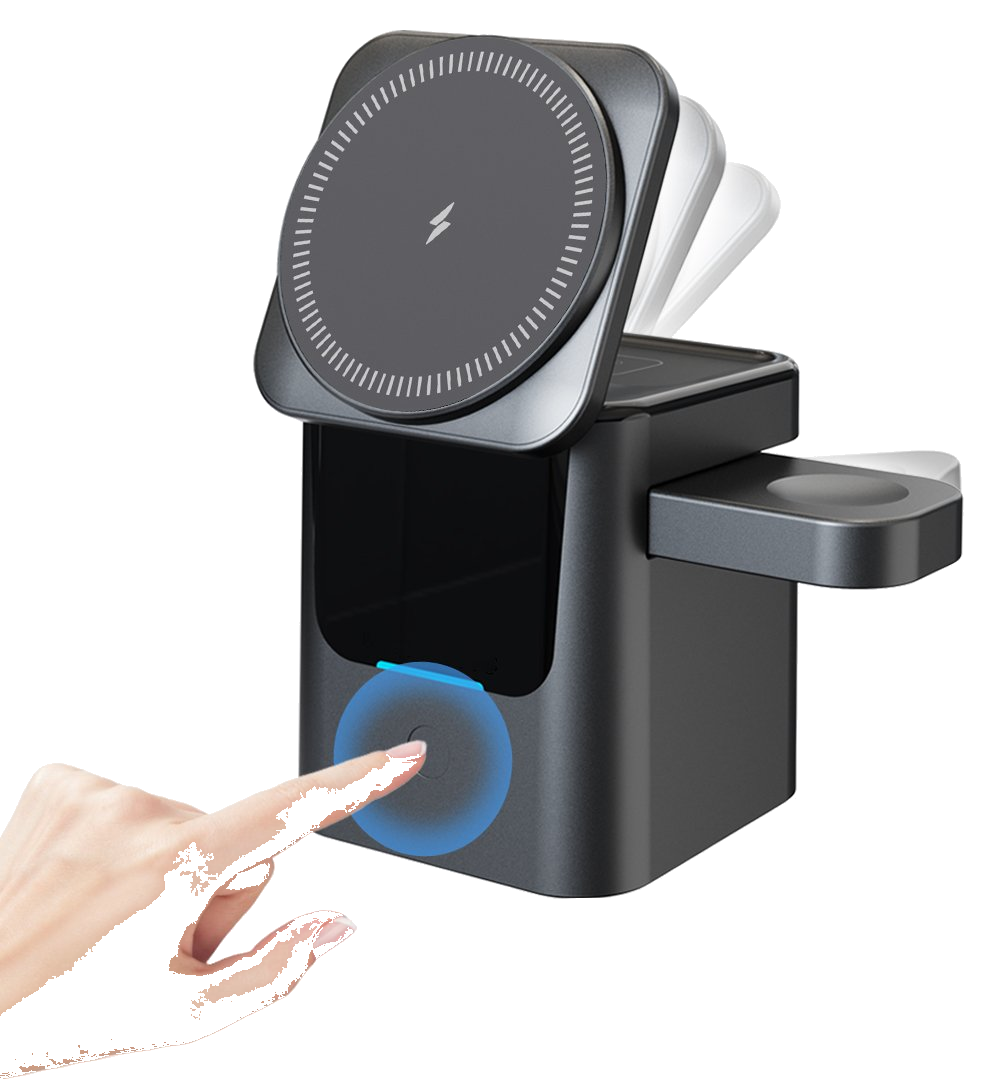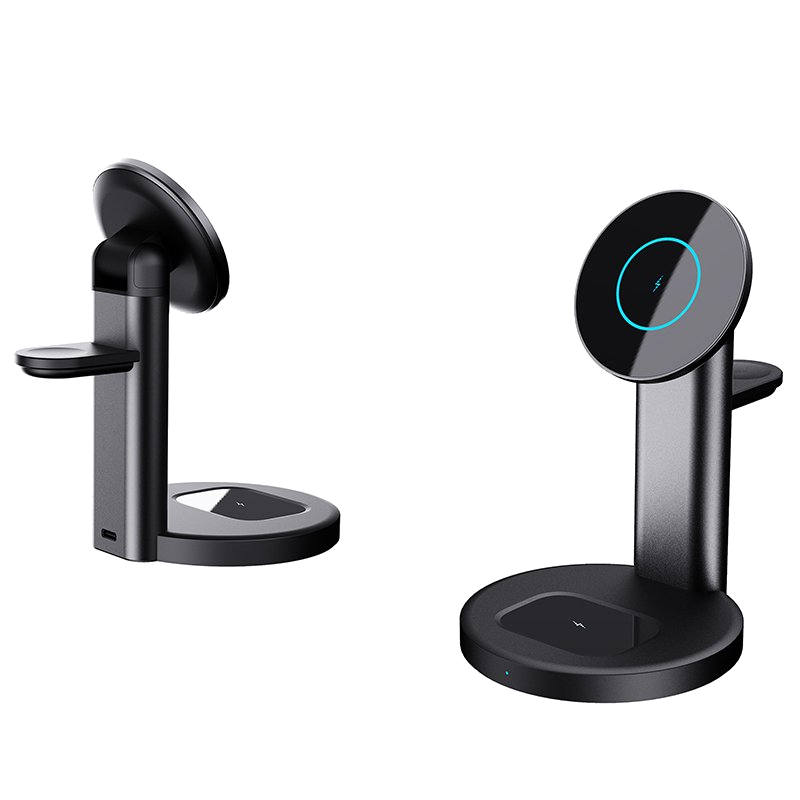
There's a magnetic wireless charger on my desk now, and I just drop the phone on it to top up — far easier than hunting for a cable. But after months of this, one worry nagged at me: by leaving it charging every day, was I aging the battery faster than plugging in? I dug into the sources, and here's the headline: the wireless method itself is not harder on the battery than wired charging. What quietly steals battery life is heat, not wireless.
To get this straight, you first need what actually governs lithium battery life. There are really two variables: charge-discharge cycles, and temperature. A phone battery typically falls to about 80% of its original capacity after 300 to 500 full cycles — normal chemical aging nobody escapes. The key point: whether you charge wired or wireless, you're feeding the same battery, so the eventual cycle count and the chemistry are identical. Seen through the lens of cycles, wireless charging does not wear the battery more than wired.
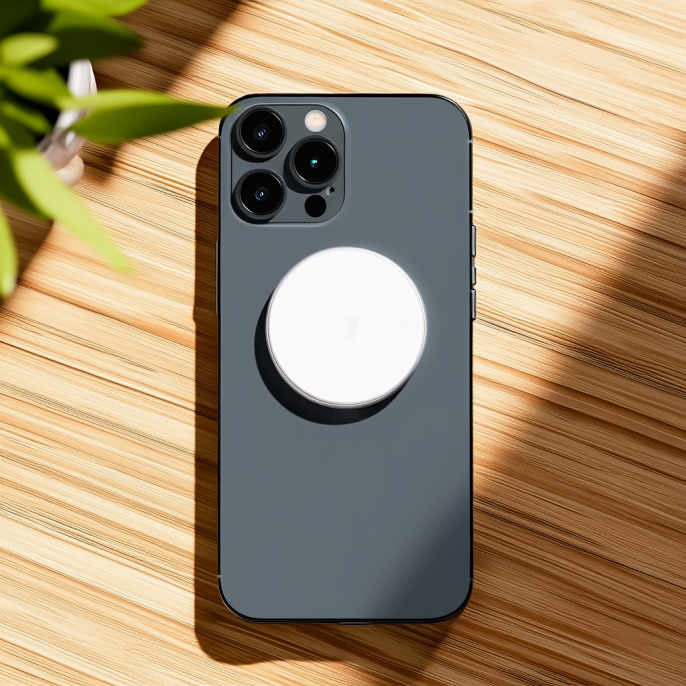
Temperature is the underrated killer. Battery University's BU-808 aging table is striking: stored at full charge for one year, a cell keeps 98% of capacity at 0°C, drops to 80% at 25°C, and only 65% at 40°C; at 60°C and full, it's down to 60% in just three months. Put plainly: a phone that stays warm while pinned at 100% loses capacity faster than the cycling itself. Those numbers set the tone — fear heat, genuinely.
So why does wireless charging get a reputation for running hot? It transfers power by electromagnetic induction, and the conversion always loses energy — efficiency sits around 70 to 80%, and the part that never reaches the battery mostly turns into heat. On top of that, the phone's back is pressed flat against the pad, so it sheds heat worse than when plugged in; and it's not just the battery working, the receiver coil and power-management chip inside the phone heat up too. So at the same 50%, a wireless pad usually feels warmer than a cable — that's physics, not corner-cutting.
But don't let 'warm' scare you — certified products throttle decently. The lab Allion tested Apple's original MagSafe on an iPhone and found an average temperature around 40°C, fastest from 0 to 30%, then it deliberately slows after 80% and the temperature eases off too — meaning the maker trades a bit of speed to protect the battery. Samsung phones landed near 40°C as well, with cases making it wobble. In short, a proper charger's thermal control steps on the brake; it won't roast your battery continuously.
Apple's own guidance backs this up. It states the ideal operating range is 16 to 22°C and explicitly warns that charging above 35°C (95°F) permanently shortens battery life. iPhone 15 and later are rated for 1,000 cycles while keeping 80% capacity. Its 'Optimized Battery Charging' and '80% charge limit' toggles exist precisely so the battery isn't pinned at full all the time. And by the way, grazing-top-up charging is actually kinder than draining to 0% then slamming to 100% — batteries like shallow, partial cycles.
So what really hurts the battery was never the word 'wireless' — it's a handful of specific habits. First, un-certified no-name pads with no thermal chip: unstable output, no overheat cutoff, those are the dangerous ones. Second, gaming or long video while wireless-charging, where processor and charging heat stack and thermal control can't keep up. Third, a thick rugged or metal case that traps the heat inside. Fourth, charging in a sun-baked car or under the blanket, where the ambient temperature is already high. Dodge those four and the risk has little to do with wireless at all.
For my own routine, it boils down to a few things: buy a Qi or Qi2 certified product so the thermal control is trustworthy; keep 'Optimized Battery Charging' on so it doesn't sit at 100% all day; park the battery around 20% to 80%; pull off a thick or metal case while charging; don't run heavy loads while it charges; and if the phone feels clearly hot, stop. One line: use wireless charging without fear — just manage the heat, and the battery lasts longer.
This article is originally published by Shanwu. Please credit the source when reposting.
Copyright © 2026 Shanwu. All Rights Reserved.