
The same magnetic wireless charger added about thirty percent of battery in forty minutes at the office, yet with the old adapter on my nightstand it barely crossed the halfway mark in two hours. I suspected the pad first, even swapped the phone case, and only a power meter revealed the truth: the bottleneck was the plug in the wall. What a wireless charger actually delivers depends on the voltage step its adapter can supply, and the wattage printed on the box is a ceiling rather than a promise.
Apple's support documentation is unusually blunt about the thresholds. To reach a 25W peak, the MagSafe charger needs a 30W or higher power adapter, or one rated at least 15V/2.0A; for a stable 15W it needs a 20W-plus USB-C adapter, which means the 9V/2.22A or 9V/2.56A tier. Each phone carries its own ceiling too: iPhone 17 Pro, 17 Pro Max, 17, 16 Plus and 16 Pro Max peak at 25W, iPhone 16 and 16 Pro at 22.5W, and iPhone Air stops at 20W. The same document notes that an adapter as small as 12W (5V/2.4A) still works, just slowly.
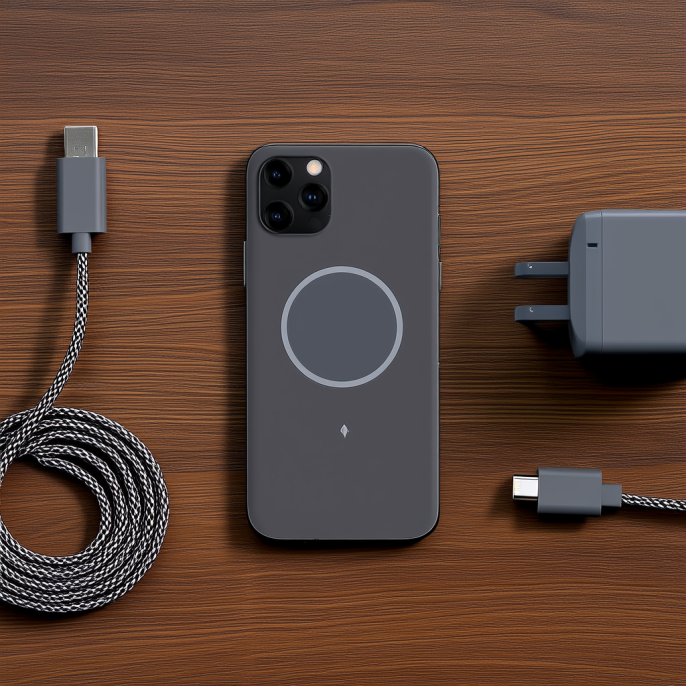
Teardown accounts in China ran a side-by-side test and the numbers sting. Apple's 20W USB-C brick measured 9V/1.8A, leaving a 15W wireless charger hovering near 12W. A 30W gallium-nitride adapter with PD3.0 and PPS held 9V/2A and pushed the wireless side to roughly 14.9W, while an Anker Nano II 30W supplied 9V/2.2A and finally saturated the full 15W. A common 5V/2A brick left the pad at about 7.5W. Judge an adapter by whether it offers a 9V or 15V step and can hold current there, not by its headline wattage.
There is one regulatory fact that buyers in mainland China cannot sidestep. The interim rules on radio management for wireless power transfer equipment, issued by China's Ministry of Industry and Information Technology in 2023, allow mobile and portable wireless charging devices only three bands — 100–148.5 kHz, 6765–6795 kHz and 13553–13567 kHz — with rated transfer power capped at 80W. Qi2.2 reaches 25W at 360 kHz, which falls inside the 325–405 kHz range reserved for aeronautical radio navigation, so it is off limits domestically. The result is that every mainland iPhone 17 tops out at 15W wireless, and Apple's China site plainly states that a 20W or higher adapter is required. Buying a 30W adapter here is not about unlocking 25W; it is about holding that 15W step from start to finish.
Two details slip past most people even though the official documentation lists them. The first is order of operations: plug the wireless charger into power before setting the phone down, so it can verify that maximum output is safe. If you get the order wrong, lift the phone, wait three seconds and put it back to restore full power. The second is that accessories eat into the budget — with USB-C or Lightning headphones attached, wireless power is throttled, dropping to 10W on iPhone 17 Pro and 17 Pro Max and 7.5W on the iPhone 16 line. And when a cable and a pad are connected at once, the phone simply takes the wired path, leaving the pad running for nothing.
Do not cheap out on the cable either. A C-to-C cable feeding a wireless charger should be rated for at least 60W; a thin, lossy cable drags the voltage down, and once the step collapses you are back to trickle speeds while blaming the pad. Three-in-one wireless chargers and other multi-device stands are even more sensitive, since phone, watch and earbuds share a single input and take turns losing power when the adapter has no headroom. Feeding one from a computer is allowed — Apple's documentation explicitly permits a USB-C port on a Mac or PC — but the USB-A ports on most laptops and desktops only supply 5V, never reach the 9V step, and leave you on the slowest tier.
Matching the adapter to the scenario is the least painful approach. Beside the bed and the sofa I now keep a 30W-plus adapter with PPS: speed matters less than staying steady all night. On a desk with a three-in-one wireless charger, go straight to a 45W or 65W multi-port unit so all three outputs have headroom. A magnetic car mount follows whatever the car adapter offers, so look for a model that explicitly lists a 9V output step. A magnetic power bank is the odd one out, since it runs off its own cell and ignores the wall plug entirely — though the adapter tier still matters when you refill the bank at home. For wireless charging built into furniture in homes and public venues, the power specification has to be locked down during design and customization, because swapping the adapter after installation is a genuine hassle.
So the next time wireless charging feels slow, hold off on replacing the charger. Check three things in order: the wireless peak your phone model supports, the power tier the charger is rated for, and whether the adapter actually offers the matching 9V or 15V step. The lowest of the three is the speed you will really get. Across years of manufacturing and selling wireless chargers, a sizeable share of the pads customers send back test perfectly fine on the bench, and the fault sits in the mismatched adapter instead. Spending a little on an adapter with the right voltage step beats buying a whole new charging pad.
This article is originally published by Shanwu. Please credit the source when reposting.
Copyright © 2026 Shanwu. All Rights Reserved.