
When you spot a charging pad built into a café table, the first thought is often whether it could steal data from your phone. That fear isn't baseless—the FBI and FCC did issue travel warnings a couple of years ago about public USB ports being rigged to siphon data. But mixing up a wireless pad with a USB port is a category error. The bottom line up front: Qi wireless charging moves power only, not data, so by design there is no channel that could read your files.
The actual target of those warnings is the public USB port. A USB cable carries both power and data on the same wires, so once an attacker tampers with the hardware inside a charging kiosk, plugging in lets malware ride the data line straight into your phone. The FBI's Denver office and the FCC both reissued alerts in April 2023, telling travelers to skip the free charging posts in airports, hotels and malls and use their own adapter on a wall outlet instead. This trick even has a name: juice jacking.
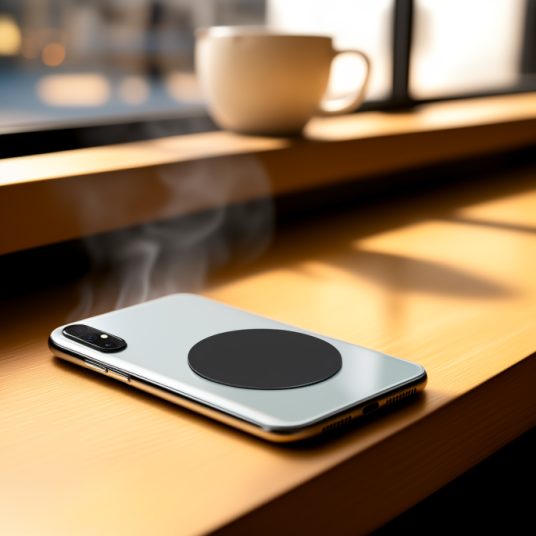
Why can't Qi wireless charging touch your data? It runs on electromagnetic induction—only an alternating magnetic field carries energy between the phone and the pad. There are no data pins and no handshake protocol that would ever ask to trust this computer. The Wireless Power Consortium made the same point plainly during the TSA warning: a Qi pad physically cannot reach your files or install anything, because the protocol was never built to move data, leaving an attacker nothing to hijack. In short, it is power-only by nature.
That doesn't make every public wireless charger risk-free—it depends on what it looks like. Watch out for combo posts that cram a Qi pad and a USB port into the same box. Security researchers have noted that devices sharing one power-management board can, if the USB side is compromised, push voltage swings that heat up a nearby Qi device or even interfere with NFC. When in doubt, pick a standalone Qi pad and avoid the ones bolted next to a USB port.
More than data theft, the real things to watch on a public wireless charger are physical: overheating and foreign objects. Proper pads ship with FOD (Foreign Object Detection) that cuts power the moment it senses a coin, key or metal card; but skip any pad that's been tampered with, has a cracked face or exposes loose wires. Before you set the phone down, glance at the surface and keep access cards or bank cards out from between the pad and the phone—that protects the card, not the phone.
Staying safe day to day comes down to a few habits. The safest bet is still your own power bank, or your own adapter on a wall outlet. If you must top up on a public pad, lock the screen first and keep clear of the USB port next to it. If you're stuck with a USB port and can't avoid it, a ten-dollar USB data blocker (the USB condom) passes only power and severs the data pins, making a public port usable. iOS disables the data port automatically after an hour locked, and Android 9 and up defaults to charge-only—the OS already adds one layer for you.
On the deployment side, cafés, hotels and waiting lounges rolling out public wireless charging are better off picking a standalone Qi pad than piling on flashy features. Look for WPC certification, check that the face is silkscreened with a no cards or metal notice, and write FOD enablement and an idle-power cap into the acceptance checklist. Don't, for the sake of convenience, bolt a USB port onto the same unit—that's exactly how you import the weak link into your own space. Multi-device wireless charging follows the same rule: certification and ventilation beat a long list of ports.
So the takeaway is plain: when charging in public, reach for the Qi-marked pad built into the table—it's far cleaner than a USB port. The real thing to fear is the free USB charging post, not the wireless pad on the surface. You can drop the paranoia, but keep the habit of carrying a power bank and locking the screen before you charge. Next time you see that pad in a café, lay the phone face-down on it without worry—just don't reach for the USB port beside it.
This article is originally published by Shanwu. Please credit the source when reposting.
Copyright © 2026 Shanwu. All Rights Reserved.