
A few weeks ago the temperature dropped, and when I set my phone on the magnetic wireless charger on my desk, the lock screen popped up with "Charging paused. Charging will resume when iPhone returns to normal temperature." The first instinct is to blame the charger, or assume the pad doesn't recognize the phone. But after reading through official docs and battery references, the real culprit in cold-weather charging failures is almost never the charger — it's the temperature protection built into the phone's battery.
Lithium-ion cells tolerate cold discharge far better than cold charging — that part of the old saying is true. The safe rule the industry follows is to charge above 0°C, and most products spec their charging window at 0°C to 45°C; dip below 0°C and the battery management system (BMS) typically severs the charge path entirely. It isn't being cautious for no reason: at low temperature the lithium ions can't enter the graphite anode properly and instead plate as metallic lithium on the surface — a process called lithium plating. A single sub-zero charge can permanently strip 10% to 30% of usable capacity and may even grow dendrites that puncture the separator.
Apple's support documentation is blunt about it: iPhone charges most comfortably in an environment of 0°C to 35°C, and in severe cold it slows down or temporarily stops until the device warms back into the safe range. The key line is that "these protections apply whether you use a cable, MagSafe, or another wireless charger" — meaning the low-temperature guard lives in the phone, not in the charger, and you can't switch it off. When you see "Charging Paused," don't rush to swap chargers; first check whether the phone itself feels ice-cold.
So is there any difference between a wireless charger and a cable? On the cold issue the answer is counterintuitive: the protection switch sits inside the phone, so both methods get frozen out equally — there's no real difference. But wireless charging has one quirk a cable doesn't: it's inefficient. Under the Qi standard only about 70% to 85% of the energy reaches the battery, and the leftover 15% to 30% turns into waste heat. In a mildly chilly room that waste heat can gradually warm the phone resting on the pad and nudge it back into a chargeable range. I call it the "hand-warmer paradox": the less efficient the pad, the more it behaves like a tiny heater in a slightly cold room.
This isn't just theory. In January 2026 a tester ran a Pixel 10 Pro XL in an unheated garage at about 4°C and found the phone's battery management system visibly throttled charging below 10°C; moving the same phone indoors to roughly 18°C restored full speed within about ten minutes. In other words, a "slow charger" in winter is often not a hardware fault at all — the temperature just isn't there yet. Bringing the whole setup back indoors to warm up usually beats spending money on a new charger.
A few old tricks deserve an update. Years ago some outlets tested wrapping a tablet in a quilt to "warm it up for charging," but that was a stopgap for extreme sub-room-temperature conditions, not a method to copy. The current advice is simpler: let a frozen phone brought in from outside acclimate to room temperature before you connect power, and don't shove it onto the charger the moment you walk in. A bulky rugged case acts like an ice jacket in the cold, so taking it off while charging helps the phone warm faster. And don't trap a charging phone under a blanket to "keep it warm" — that boxes the heat in and, once the temperature spikes, triggers the opposite high-temperature throttle.
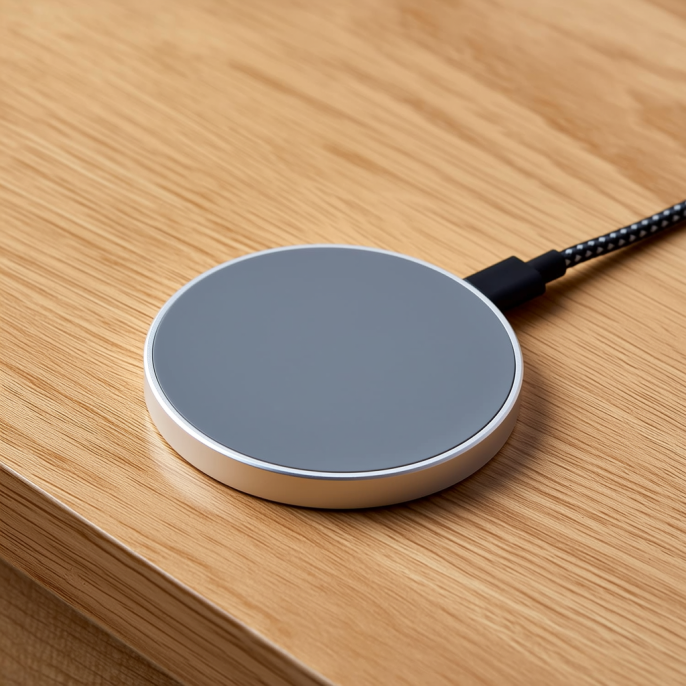
For people using a magnetic wireless charger or a magnetic car mount, the cold actually hands you one small advantage: the magnetic alignment locks the coils precisely, so once the phone warms up it resumes charging on its own without you repositioning it. A plain pad, misplaced, would need re-aligning after it recovers. This shows up most in the car — parked in a freezing garage, the phone sits several degrees colder than indoors, so it's better to top up inside first, or treat the magnetic car mount as a "warm-up spot" rather than a "fast-charge spot." The same logic applies to a desktop multi-device wireless charger: a hard, well-ventilated surface beats burying it in a pile of soft cushions.
To sum it up: when a phone "won't charge" on a wireless pad in the cold, it's almost always the battery protecting itself, not the charger slacking off. The easiest fix is always the same — bring the phone back indoors to room temperature, take off the thick case, and let it sit properly aligned on the magnetic wireless charger without anything covering it. Living-room, café, and hotel public-area wireless chargers mostly sit inside the heated range anyway, so they rarely hit this wall. If you must charge in genuinely cold places often, picking a magnetic wireless charger with temperature control and certification matters more than chasing the highest wattage.
This article is originally published by Shanwu. Please credit the source when reposting.
Copyright © 2026 Shanwu. All Rights Reserved.