
When I redid my nightstand last year I grabbed the cheapest magnetic charging pad, and regretted it the first night: a ring of blue light stayed on all night, and the fan hummed while charging. As a light sleeper I'd wake to that blue glow, then notice the buzz, and finally just unplugged it. I later learned that for a bedside charger, wattage barely matters for sleep—the light and the fan are the real culprits.
Start with sound. Fast wireless charging dumps heat from the coil that has to go somewhere, so makers either add an active fan or rely on a metal body for passive cooling. Among fanned models, Anker's AirCool 25W 3-in-1 measures around 19 dB—you only hear it up close—but some aggressively cooled pads hit roughly 45 dB at their loudest, about like a small desk fan, which is obvious next to a pillow. Belkin's passively cooled docks and Apple's puck use the aluminum shell as a heatsink and stay completely silent. The takeaway is simple: for the nightstand, prefer passive cooling or a fan you can switch off.
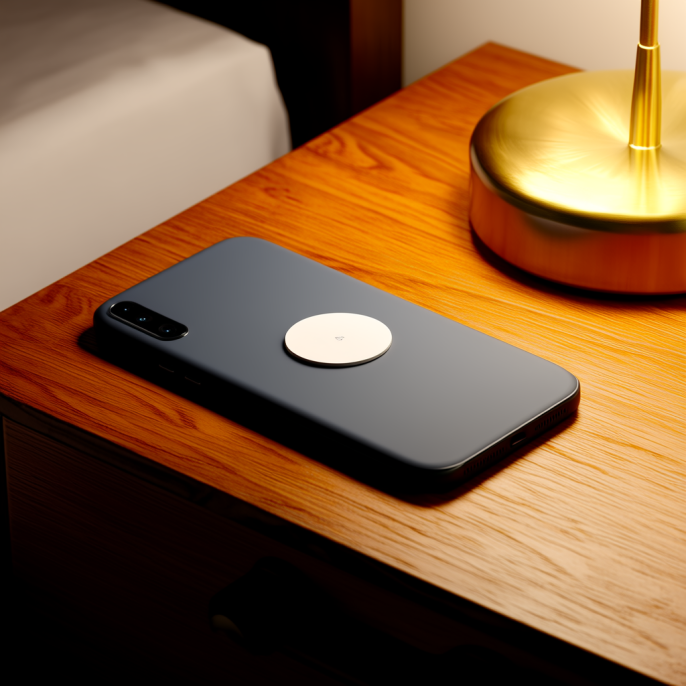
Then there's light. Cheap pads love a constant blue LED that says 'charging'—well meant, but in a bedroom it's a disaster, because blue light specifically suppresses melatonin the longer and brighter it stays. Better mid-range designs make the indicator a faint breath or let you turn it fully off. Apple's StandBy landscape clock even shifts to a dim red tint in the dark, built exactly to avoid dazzling you. When shopping, just ask whether that light can be turned off; if it can't, keep it off the nightstand.
StandBy is worth a mention because it decides how your pad sits by the bed. Since iOS 17, a phone laid on its side, locked, and steadily charging becomes a bedside clock—big time, photos, widgets. It needs the phone horizontal and fairly still, so a MagSafe stand is the natural fit: the phone snaps upright in landscape, far handier than a flat pad. StandBy also remembers each charging spot's preferred screen, so the bedroom one is always the red clock and the kitchen one shows weather. A magnetic landscape stand basically settles it.
Some worry about cooking the phone overnight. With a compliant product, a surface in the 40s°C is normal, and passively cooled aluminum feels cooler to the touch; you only hit 60°C-plus with an uncertified pad lacking thermal control or with metal debris on it. The nightstand is an overnight trickle anyway, so you don't need top speed—a 15W passive pad tops up slowly all night and keeps both phone and charger happier. The 25W fanned flagships, by contrast, spin their fan harder at higher power and can end up noisier.
I boiled the criteria down to three: first, passive silent cooling or a switchable fan; second, an indicator you can disable or that's very dim—no blue light by the bed, period; third, a magnetic stand that holds the phone upright in landscape and puts StandBy to work. Filter on those and you often don't need the priciest 25W flagship; a roughly $20 15W magnetic silent pad tidies the nightstand just fine.
Once you have it, a few settings cut the rest of the noise: turn on Sleep Focus at bedtime, disable StandBy's 'wake on motion,' and keep Night Mode's red tint on. Don't run the cable under the pillow side, or you'll knock the phone askew at 2 a.m. and break the charge. Sort those and the nightstand finally goes quiet.
At the end of the day a bedside charger isn't about how fast it fills the battery; it's about not fighting your sleep for the space. Kill the light, tame the fan, let the phone stand steady as a clock, and leave the rest to an overnight trickle. Spending a minute on cooling and the indicator beats staring at wattage every time.
This article is originally published by Shanwu. Please credit the source when reposting.
Copyright © 2026 Shanwu. All Rights Reserved.